Tape Emulation Plugins That Don’t Sound Like Bad Photoshop

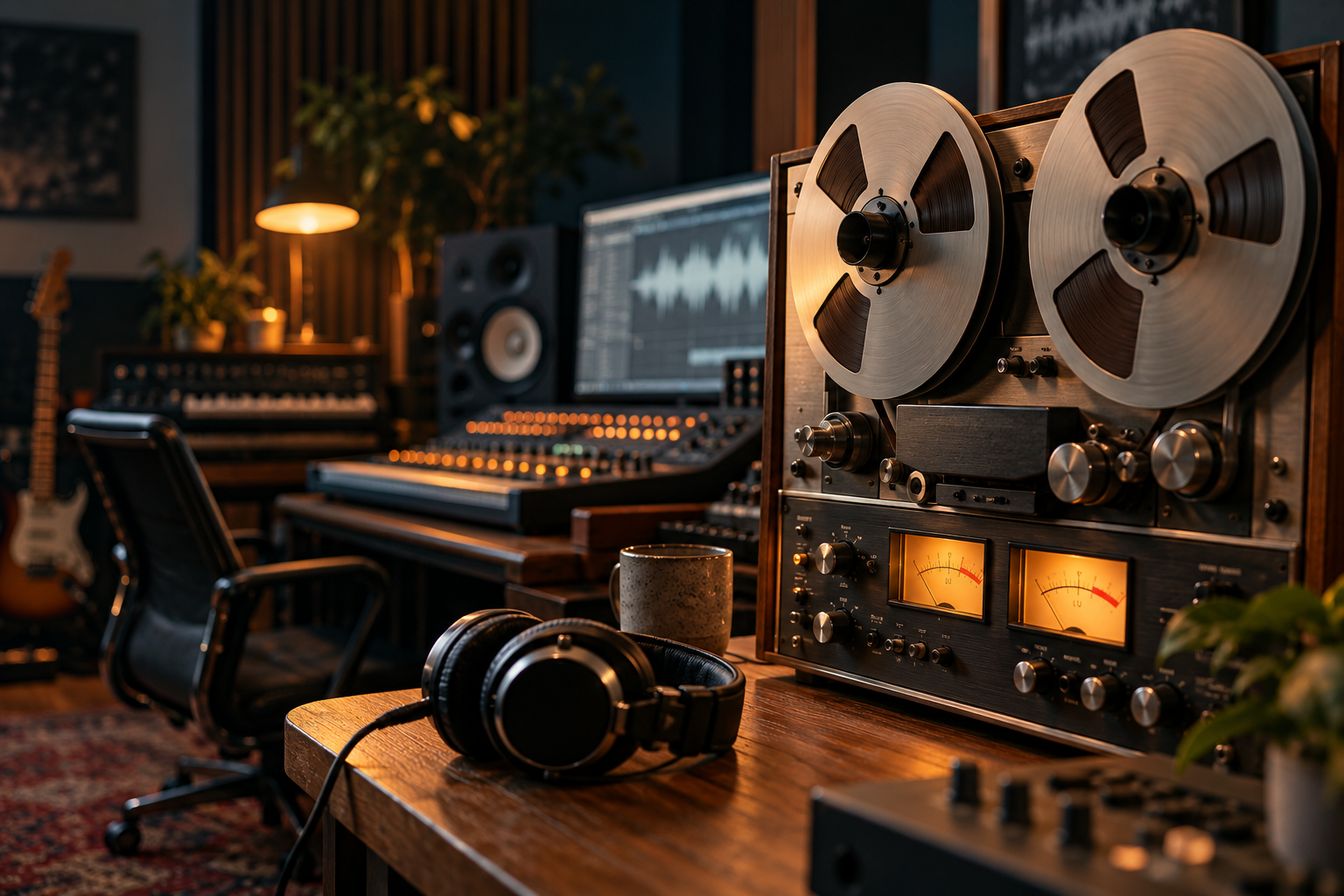
The first tape plugin I bought was a mistake. It made everything sound like a JPEG run through a compressor three times. Smiley, glassy, weirdly fizzy on the top end. I kept thinking it was me. It wasn’t. The plugin had a fixed curve and no ears.
That experience is why I’m picky now. Tape is the most abused effect in the modern plugin catalogue. Everyone wants “warmth,” nobody wants to talk about what tape actually does to a signal. So here’s what I’ve learned running these things in real sessions, and where most of them fall apart.
What tape actually does (and what the marketing gets wrong)
Tape is not one thing. It’s three or four things stacked, and depending on the machine and the speed, the balance shifts.
First, subtle harmonic distortion. Even at healthy levels, tape introduces low-order harmonics that add density. This is the part everyone knows. The bit nobody mentions is that the distortion is frequency dependent. It’s not uniform across the spectrum, and that unevenness is most of what makes it sound like tape instead of a generic saturation plugin.
Second, compression. Tape squashes transients in a soft, level-dependent way. Fast peaks get rounded. That’s why drums tracked to tape sound “glued” without any actual gluing.
Third, and most underrated: the low end gets cleaned up. Tape has a natural roll-off and a bit of head-bump behavior that attenuates muddy sub content. One mastering write-up I read recently describes tape adding “very subtle harmonic distortion and compression, as well as cleans up some of the lows.” That last clause is the important one. When a tape plugin gets the low-end cleanup right, your mix suddenly has room. When it doesn’t, you get mud with hash on top.
Where the good ones differ from the bad ones
Speed matters. Real machines had 15 and 30 inches per second, and the difference is audible. The same article notes that pushing to 30 ips gave “a cleaner sound, with slightly attenuated lows.” If a tape emulation doesn’t let you switch tape speed, or doesn’t make the speed selection actually change the frequency response, that’s a bad sign. A speed button that only tweaks the high-frequency rolloff by a hair isn’t emulation, it’s a costume.
Next: crosstalk and stereo behavior. Proper tape bleeds a little between channels. That phase cancellation between left and right slightly widens the field and softens the center. The same engineer describes “very subtly increasing the crosstalk” to spread a signal into the stereo field. Subtly. If your plugin’s stereo knob turns the image into a phasey balloon on a snare, back off. Or turn it off.
Then there’s the noise floor. Real tape hisses. Some plugins overdo this for instant “vintage” flavor, which is fine for lo-fi textures but wrong for a serious mix bus. On a master, hiss is a liability. A good emulation should let you dial noise to zero and still sound like tape. If it can’t, it’s a sample pack in disguise.
A quick test I use on every tape plugin
- Solo a clean acoustic guitar track. Bypass the plugin. Then engage it. If the low mids suddenly look like a phone call, something’s broken.
- Run a drum bus through it and A/B with the plugin at the same loudness. If the plugin only “wins” because it got louder, it lost.
- Push input gain until it distorts, then pull back. Where it distorts tells you more about the plugin than any preset.
The mastering-context question
Most tape plugins get auditioned on the mix bus, where they’re most likely to make a mess. In a mastering chain, restraint is everything. One useful reference point from a mastering-focused write-up: tape used very gently, with the highs boosted only slightly and crosstalk barely touched, “filled out nicely” without turning the master into a distortion box. That’s the standard I hold these things to.
Some engineers like to layer tape into a chain with other color tools, including an inflator-style harmonic exciter running after the saturation stage to bring forward the harmonies the tape created. That’s a legitimate approach, but it only works when the tape stage itself was subtle. If your tape plugin alone turns the mix into soup, you don’t need more color on top, you need less of the wrong color.
Watch your output. Saturation raises perceived loudness and real peaks. Several plugins in this category have a nasty habit of clipping the output when you push input. Keep an eye on the meter, not on the input knob.
Things that don’t sound like tape, no matter what the box says
Some plugins labeled “tape” are really comb-filtered lo-fi effects. Great for a Kairos-style texture session, wrong for a vocal. Others are basically a brickwall limiter with a tan curve. That’s not tape. That’s Photoshop blur.
There’s also the demo problem. A lot of these tools sound great on raw acoustic material and terrible on dense mixes because their fixed harmonic profile fights everything that’s already there. The best tape emulators have enough parameter range to get out of the way. If yours doesn’t, it’s a sound design tool, not a processing tool.
How I actually use tape plugins now
Three jobs, in order of frequency.
On individual tracks. Acoustic guitars and vocals get a small amount of tape for density, nothing more. Drums get it closer to the front. Bass gets it only if I’m willing to double the processing time, because tape behavior down low is where cheap emulations fall apart fastest.
On the mix bus, late in the chain. Very small input gain. Tape speed chosen by low-end preference, not by preset. Crosstalk almost off. Noise all the way down.
Rarely on the master. If I do, it’s one pass, very light, and I A/B at matched loudness about twenty times before I commit.
The best purchase decision here is counterintuitive. Buy one tape plugin and learn it deeply. Buy a second only if you can name exactly what the first one can’t do. The rest of the market is mostly UI. You can hear a Photoshop edit. You can hear a lazy tape emulation too.